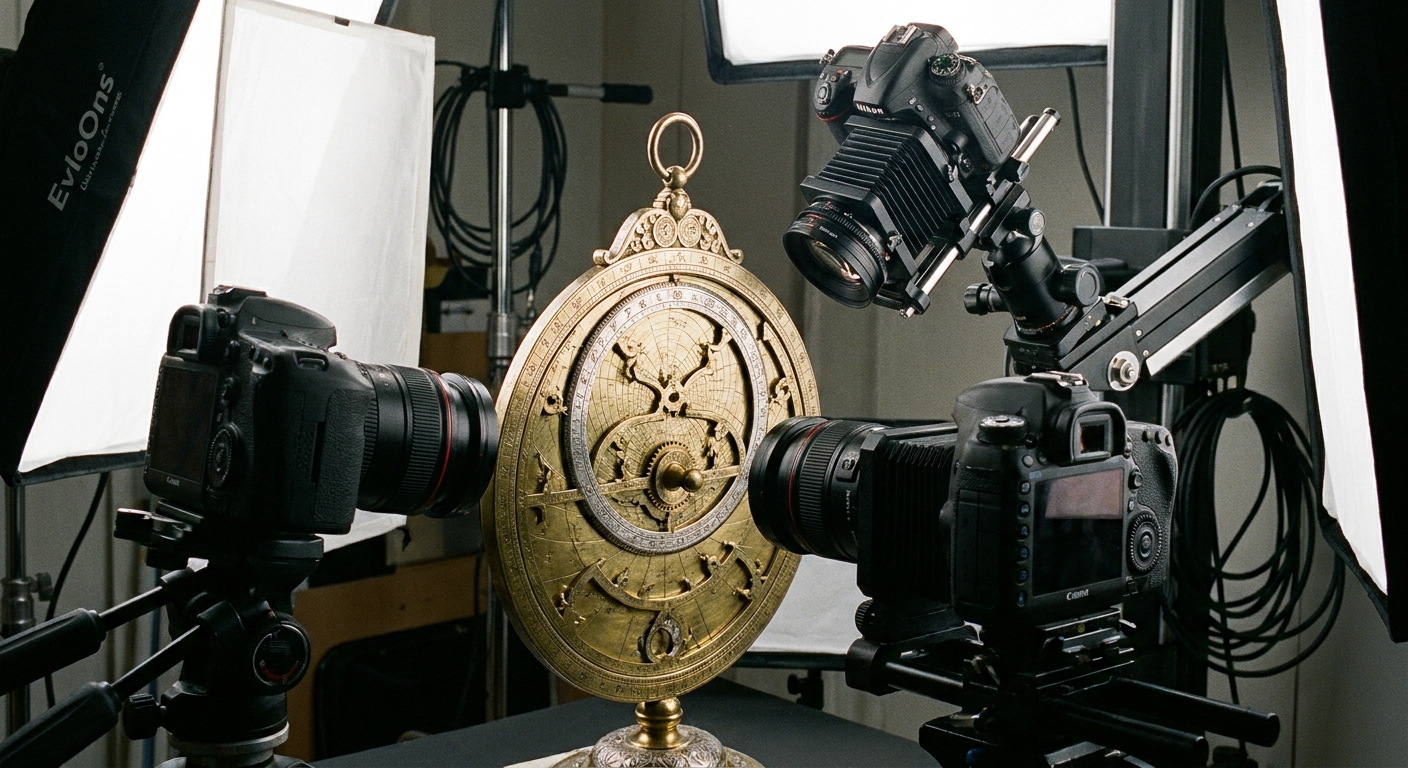
How Many Photos You Need for a Good Photogrammetry Scan in 2026?
The number of photos required for a good photogrammetry scan typically ranges from 50 to over 1000, depending heavily on the object's complexity, size, surface properties, and desired level of detail. Achieving high-fidelity 3D models for applications in logistics, e-commerce, medicine, and industrial engineering is no longer a matter of guesswork but a precise science, with advanced solutions like MagiScan streamlining this process. In 2026, the capabilities of photogrammetry have expanded, allowing for detailed reconstructions from fewer, smarter captures when using the right technology. This article will demystify the factors influencing photo count, guide you through optimal capture strategies, and highlight how tools like MagiScan maximize efficiency and accuracy.
Key Takeaways
- A minimum of 50-100 photos is often required for simple objects, while complex or large items can necessitate 500-1000+ photos for detailed scans.
- Object complexity, size, surface reflectivity, and texture significantly impact the optimal photo count.
- Consistent overlap between photos (60-80%) is crucial for successful photogrammetry reconstruction.
- Utilizing specialized software like MagiScan can optimize capture workflows, potentially reducing the number of photos needed through intelligent capture guidance.
- High-quality cameras and controlled lighting conditions are paramount, regardless of the photo quantity.
- For professional applications in logistics, e-commerce, and medicine, prioritizing completeness and accuracy often means erring on the side of more photos.
Why Does Object Complexity Dictate the Number of Photos?
The complexity of an object is the primary driver behind the number of photographs needed for a successful photogrammetry scan. Intricate details, undercuts, and fine features require more viewpoints to ensure they are captured from all necessary angles. Simple, geometric shapes with few details might be reconstructible with a few dozen photos, whereas organic or highly detailed objects demand significantly more data points to accurately represent their form.
For example, scanning a basic cube might require as few as 20-30 images, capturing its six faces from various angles. Conversely, scanning a detailed anatomical model of a human organ or a complex industrial component with many nooks and crannies could easily demand 300-500 images or more. This is because each unique surface feature and curvature needs to be visible in multiple overlapping photographs to allow the photogrammetry software to triangulate its 3D position accurately.
MagiScan's intelligent capture modes can help users identify areas that might require additional coverage, guiding them to take more photos precisely where detail is critical, thereby optimizing the overall capture process without unnecessary duplication. This smart approach ensures that even complex objects can be scanned efficiently, minimizing manual effort and maximizing data quality for accurate 3D reconstructions.
How Does Object Size Influence Photo Requirements?
The physical dimensions of an object directly correlate with the number of photos required for a comprehensive photogrammetry scan. Larger objects necessitate more photos because the camera must cover a greater surface area from various perspectives to maintain sufficient overlap and detail. A small figurine might be captured with a few hundred photos, while a full-sized piece of furniture or a vehicle would require thousands.
Consider scanning a 10cm figurine versus a 2-meter-tall statue. For the figurine, a series of photos taken in a circle around it, with some overhead shots, might suffice. For the statue, you'd need to move the camera much further away to capture its entirety in single shots, and then take many more photos at closer distances to capture details on its surface. The sheer scale means each photo covers a smaller relative portion of the object, demanding more captures to blanket the entire surface.
MagiScan's adaptive capture technology assists in managing these scale variations. It can intelligently adjust its recommended capture path and density based on the user's input about the object's approximate size, ensuring that sufficient photographic data is gathered to reconstruct large objects accurately without overwhelming the user with an unmanageable number of shots. This makes large-scale scanning more feasible and less time-consuming.
What Role Do Surface Properties Play in Photogrammetry?
Surface properties, particularly reflectivity and texture, play a critical role in determining the success and the number of photos needed for a photogrammetry scan. Highly reflective surfaces, like polished metal or glass, can cause light to bounce unpredictably, creating specular highlights that confuse photogrammetry software. Conversely, objects with very little texture, such as a smooth, matte white sphere, offer fewer unique features for the software to track and align photos.
For shiny objects, techniques like applying a temporary matte spray or using polarizing filters are often employed to reduce reflections. However, these methods can sometimes introduce their own challenges. If reflections cannot be adequately managed, more photos might be needed from slightly different angles to try and capture enough distinct surface points.
Objects with rich, intricate textures (like wood grain, fabric patterns, or detailed carvings) are generally easier to scan. The software can easily identify and match these features across overlapping images. In 2026, advanced algorithms within solutions like MagiScan can better handle challenging surfaces, but understanding these properties remains key. For instance, a matte, textured object might require 100-200 photos, while a highly polished, featureless object could need 300-400 or even more, along with careful lighting adjustments, to achieve a comparable level of reconstruction accuracy.
How Does Photo Overlap Affect the Scan Quality and Quantity?
Photo overlap is arguably the most critical factor in achieving a successful photogrammetry reconstruction, directly influencing both the quality of the final 3D model and the number of photos required. Photogrammetry software works by identifying common points (features) in multiple images and triangulating their 3D positions. This process requires each point on the object's surface to be visible in at least three, and preferably more, overlapping photographs.
A typical recommendation for optimal overlap is between 60% and 80% between adjacent photos. This ensures that the software has ample data to find matching features and establish accurate camera positions. If overlap is insufficient (e.g., below 50%), the software may struggle to connect images, leading to gaps, distortions, or complete failure to reconstruct parts of the object.
For example, scanning an object by taking photos in a single circle without sufficient vertical overlap or shots from different distances will likely result in a poor model. To achieve high overlap consistently, you generally need to take more photos, especially when moving around an object or when capturing fine details.
MagiScan's guided capture interface provides real-time feedback on overlap and coverage, helping users maintain the necessary photographic density. By intelligently suggesting the next optimal capture point, MagiScan ensures that the 60-80% overlap is achieved efficiently, often reducing the total number of photos needed compared to manual, unguided capture, while guaranteeing higher quality reconstructions for logistics, e-commerce, medical, and industrial applications.
What is the Optimal Capture Strategy for Different Objects?
Developing an optimal capture strategy is essential for minimizing the number of photos while maximizing the quality of the photogrammetry scan. This strategy varies significantly based on the object's characteristics. For simple, convex objects, a circular path around the object at a consistent distance, with multiple vertical passes at different heights, is often effective. For more complex objects with concavities or occlusions, additional shots from varied angles, including oblique and overhead perspectives, are necessary.
| Object Type | Key Characteristics | Recommended Photo Count Range | Capture Strategy Notes |
|---|---|---|---|
| Simple Geometric | Smooth surfaces, few details, convex shape | 50-150 | Circular passes at varying heights, ensuring 60-80% overlap. Focus on consistent lighting. |
| Moderately Complex | Intricate details, some concavities, textured surfaces | 150-500 | Multiple circular paths at different distances. Include oblique shots to capture undercuts. Higher overlap (70-80%) is beneficial. |
| Highly Complex/Large | Significant undercuts, fine details, large scale, reflective surfaces | 500-2000+ | Detailed, systematic capture. May involve multiple smaller scans stitched together. Consider using photogrammetry rigs or turntables. Special care for challenging surfaces. MagiScan's guided capture is invaluable here. |
| Transparent/Reflective | Glass, polished metal | Highly variable, often higher | Requires specialized techniques: matte spray, polarizing filters, or multiple capture sessions with different lighting. More photos might be needed to compensate for data loss due to reflections. MagiScan's advanced processing can help mitigate some of these issues. |
For logistics managers, creating digital twins of inventory or packages requires consistent and accurate scans. E-commerce sellers need high-quality product visuals for online listings, where detail and realism are paramount. Medical professionals use photogrammetry for anatomical models or surgical planning, demanding extreme precision. Industrial engineers rely on it for quality control and reverse engineering, where minute details matter.
MagiScan's AI-powered guidance system analyzes the object and provides real-time advice on camera positioning and capture density. This ensures that users, regardless of their experience level, can adopt an effective capture strategy, leading to superior results with fewer wasted shots. For instance, MagiScan might prompt you to take more photos from an unusual angle to capture a specific undercut on an industrial part, a detail that might be missed with a generic capture pattern.
How Can Technology Like MagiScan Optimize Photo Count?
Advanced technology, epitomized by solutions like MagiScan, significantly optimizes the photo count required for a good photogrammetry scan by employing intelligent capture techniques and sophisticated reconstruction algorithms. Instead of relying on brute-force methods of taking hundreds or thousands of photos indiscriminately, MagiScan guides users to capture precisely the data needed.
MagiScan utilizes features such as:
- AI-Powered Capture Guidance: The software analyzes the object's geometry in real-time or based on initial scans and suggests optimal camera positions and angles to ensure complete coverage and sufficient overlap, minimizing redundant shots.
- Smart Feature Detection: Advanced algorithms can identify and track key features more effectively, even in challenging lighting or on textured surfaces, meaning fewer photos might be needed to establish accurate 3D points.
- Adaptive Reconstruction: MagiScan's processing engine is designed to handle varying data densities, allowing for high-quality results even when the input photo count is optimized rather than maximized.
- Project-Specific Settings: Users can define their desired output quality and accuracy, allowing MagiScan to tailor the capture advice and reconstruction process to meet specific project requirements for logistics, e-commerce, medical, or industrial use cases.
For example, when scanning a product for an e-commerce listing, MagiScan might prioritize capturing highly detailed shots of the product's branding and texture from multiple angles. For a large piece of equipment in a warehouse for logistics, it might focus on overall dimensions and key functional areas. This intelligent approach ensures that the photo count is not just minimized but is strategically aligned with the end goal, delivering high-fidelity models without unnecessary data acquisition. This translates to faster scanning times, reduced storage needs, and quicker processing, making 3D scanning more accessible and efficient for all target users.
How to Improve Scan Quality with Fewer Photos?
Improving scan quality with fewer photos hinges on a combination of superior hardware, intelligent software, and meticulous capture techniques. The goal is to maximize the information captured in each photograph and ensure that the software can leverage this information with maximum efficiency. High-resolution cameras with good low-light performance are foundational. Utilizing prime lenses can also offer sharper results than zoom lenses.
Controlled lighting is paramount. Diffused, even lighting eliminates harsh shadows and specular highlights, which can obscure detail and confuse photogrammetry algorithms. A consistent light setup across all captures ensures that the software can reliably match features.
Software plays a crucial role. Advanced photogrammetry engines, like the one powering MagiScan, employ sophisticated algorithms for feature detection, bundle adjustment, and dense reconstruction. These algorithms are better at extracting accurate 3D information from fewer, higher-quality inputs. MagiScan’s AI can intelligently identify areas of interest and guide the user to capture those specific details with precision, rather than relying on a uniform density of photos across the entire object.
Consider a scenario where a logistics manager needs to digitize a shipment of identical boxes. Instead of taking 100 photos of each box, with MagiScan's guidance, they might identify that 30 strategically placed photos, focusing on unique markings, dimensions, and corner details, are sufficient for accurate digital representation. This optimization is key for scaling operations. The focus shifts from quantity to quality and strategic placement of each photograph.
Frequently Asked Questions
What is the absolute minimum number of photos for any photogrammetry scan?
The absolute minimum number of photos for any photogrammetry scan is typically around 20-30 for extremely simple, geometric objects with highly textured surfaces, captured under ideal lighting. However, this is rarely sufficient for professional applications requiring accuracy.
Can I use my smartphone for photogrammetry, and how many photos would it need?
Yes, you can use a smartphone, especially newer models with advanced cameras. For a decent scan, you would likely need 100-300 photos, focusing on good lighting and consistent movement. Advanced apps and techniques can improve results, and solutions like MagiScan can integrate smartphone capture.
How do I handle transparent or shiny objects in photogrammetry?
Transparent or shiny objects require special techniques, often involving applying a temporary matte coating, using polarizing filters, or employing advanced lighting setups. More photos from varied angles are usually necessary to capture enough usable surface data.
Will taking more photos always result in a better scan?
Not necessarily. Taking an excessive number of photos without proper overlap or from redundant angles can lead to bloated datasets that are harder to process and may not significantly improve accuracy. Strategic capture with optimal overlap is more critical than sheer quantity.
How does MagiScan help reduce the number of photos needed?
MagiScan uses AI-driven guidance to direct users to capture essential data points and ensure optimal overlap, eliminating unnecessary shots. Its advanced reconstruction algorithms also extract more information from each photo, leading to high-fidelity models with fewer captures.
Conclusion
Determining the exact number of photos needed for a good photogrammetry scan is a nuanced process, heavily influenced by object complexity, size, surface properties, and the desired level of detail. While a basic scan might start with 50-100 images, professional applications in logistics, e-commerce, medicine, and industrial engineering often require 500-1000+ photos for intricate reconstructions. However, the focus in 2026 is shifting from brute-force photo capture to intelligent, optimized data acquisition. Advanced solutions like MagiScan empower users by providing guided capture workflows, intelligent feature detection, and superior reconstruction algorithms. This technology not only helps minimize the photo count but also ensures higher accuracy and efficiency, making high-fidelity 3D scanning more accessible and practical than ever before.
Ready to experience the future of 3D scanning? Try MagiScan today and discover how optimized capture can transform your projects.